Now your Epson L3210 is truly renewed, not just reset.
If you see any of these, the waste ink counter is full. A reset will tell the printer’s memory that the counter is back to zero.
⚠️ Important: Resetting the counter without physically cleaning or replacing the waste ink pad can lead to real ink overflow. Always check the pad first (explained later).
Important: Resetting the waste counter without physically cleaning or replacing the pads will eventually cause ink to leak inside the printer. After 2–3 resets, you should open the printer and replace the absorbent pads or install an external waste ink bottle.
| Feature | Benefit |
|---------|---------|
| Super low running cost | Bundled ink bottles print ~4,500 black / 7,500 color pages. |
| High page yield | Refill once per year for moderate use. |
| Easy refilling | Key-locked bottles, no spills, no cartridges. |
| Sharp text quality | Great for documents, forms, homework. |
| Borderless printing | Up to 4R/5R photos (glossy paper). |
| Compact design | Fits on small desks. |
Q1: Will resetting my Epson L3210 void my warranty?
A: Yes – if the printer is still under warranty. The Adjustment Program is a service tool for technicians only. If you have warranty left, contact Epson first.
Q2: How often does an Epson L3210 need reset?
A: Depending on usage, every 1–2 years for home users, or every 6 months for high-volume office use.
Q3: Can I reset Epson L3210 without a PC?
A: No. Unlike some older Epson models, there is no button reset for the L3210. You must use software.
Q4: Resetting didn’t work – what now?
A: Try a different version of the Adjustment Program (e.g., older version). If still fails, the EEPROM may be corrupted or the mainboard faulty. In that case, seek professional repair.
Q5: Is WIC Reset safe?
A: Yes, WIC Reset is widely used in printing communities. However, always download from the official wic-support.com domain to avoid clones.
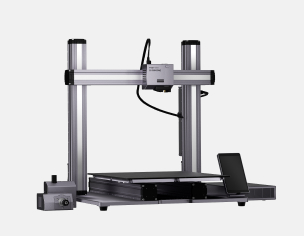
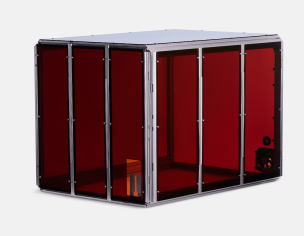
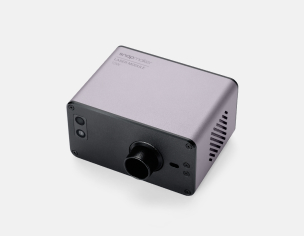
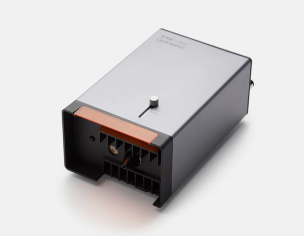
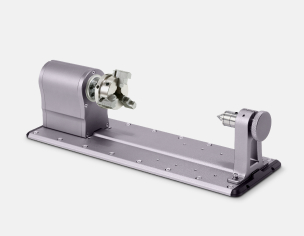
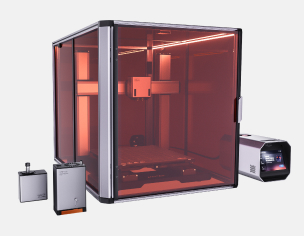
 Snapmaker U1
 Snapmaker 2.0
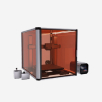 Snapmaker Artisan
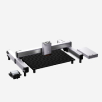 Snapmaker Ray
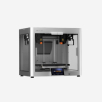 Snapmaker J1/J1s